
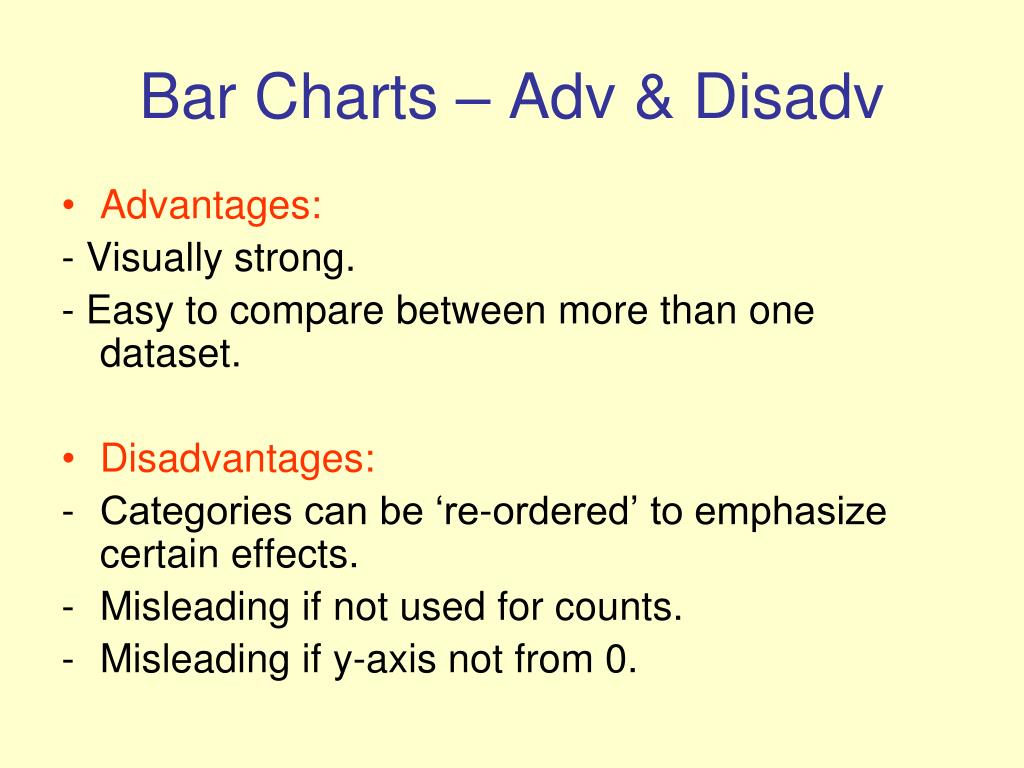
Disadvantages of Bar Graphs for Showing Large Data Sets
You've been there, right? Staring at a wall of bars that all look exactly the same height because the data set has 500 entries. I get it. Bar graphs are the comfort food of data visualization—simple, familiar, and seemingly foolproof. But here's the thing nobody tells you when you're first learning this stuff: they fall apart spectacularly when you overload them with information.
I've spent over a decade watching analysts, product managers, and even seasoned executives make the same mistake. They take a massive data set, cram it into a bar chart, and then wonder why nobody can see the actual story. Honestly? It's not your fault. Bar graphs were never designed for this. Let me show you exactly why they fail, and what you should watch out for.
The Visual Clutter Problem (Or, The Barcode Effect)
The Curse of Too Many Bars
When you take a large data set and try to represent each data point as an individual bar, you stop creating a chart and start creating a noisy, ineffective barcode. I call this the "Barcode Effect." It happens when the number of bars exceeds about twenty or thirty. Suddenly, your audience isn't seeing trends, outliers, or comparisons. They're seeing a wall of thin, identical lines.
The problem is biological. Your brain has a limited capacity for processing discrete shapes. When you present it with 200 individual rectangles, it doesn't analyze each one. It glazes over. The sharp edges that make bar graphs so effective for small comparisons become a liability. They create visual noise that masks the signal you're trying to highlight.
Look—I've seen quarterly sales reports with 150 product SKUs plotted as individual bars. The entire chart was a solid block of color with no discernible variation. The CEO literally asked "Is this a glitch?" It wasn't a glitch. It was a bad choice.
When Colors Stop Helping and Start Hurting
Many people think they can solve the overload problem by adding color. They'll break the bars into categories, use gradients, or assign different hues to different ranges. This is a trap. Color works beautifully for highlighting three to five categories. Beyond that?
- Your legend becomes an unreadable rainbow of twenty different shades. - Color-blind viewers (about 8% of men) will lose the plot completely. - The cognitive load of matching bars to a legend becomes a full-time job for your reader. - Gradients imply a continuous scale that bar graphs don't actually represent well.
Seriously, I've seen dashboards where the color scheme was more complex than the actual data. At that point, you've stopped communicating and started decorating. There's a difference.
The Difficulty of Accurate Comparisons
The Pattern Masking Issue
Here's a dirty secret that most visualization tools won't advertise. Bar graphs rely entirely on our ability to compare the length or height of bars. This works great when you're comparing two bars side by side. But when you have a large data set, the human eye is terrible at judging small differences across a long sequence of bars.
Let me give you a concrete example. You have quarterly revenue data for 100 stores. Store #12 shows a 3.2% increase, store #47 shows a 3.1% increase, and store #68 shows a 3.5% increase. In a well-designed bar graph? Those differences are invisible. The bars look identical.
This isn't a user error. It's a fundamental limitation of the chart type. When you're showing large data sets, the subtle patterns that matter most are the ones that disappear into the visual noise of identical-looking bars. You end up with a chart that shows you exactly nothing.
The "Line of Death" for Column Charts
I have a specific term for what happens when you push bar graphs too far. I call it the "Line of Death" problem. It goes like this:
1. You have a large data set with one or two extreme outliers. 2. The chart auto-scales to accommodate those outliers. 3. Every other bar becomes a tiny nub at the bottom of the graph. 4. All meaningful comparison is destroyed.
I cannot tell you how many times I've walked into a meeting where someone proudly presents a bar chart of regional performance, and because one region had a massive spike, the other 25 regions are all represented by two-pixel-tall bars that look identical. The entire chart communicates one thing: "Something happened in Region 7." Everything else is useless.
It's a big deal because the presenter usually doesn't notice. They've been staring at the data for hours. But for the audience? It's a waste of time.
Loss of Granularity and Data Storytelling
The Binning Problem
When you realize your bar graph is too crowded, the natural instinct is to "bin" the data. You group individual data points into ranges. Revenue bands. Age groups. Score intervals. This seems like a smart fix, but it introduces a new set of disadvantages.
First, you lose the individual variation within each bin. Two stores that have completely different performance profiles can end up in the same "Good" category, hiding a crucial failure or success. Second, the choice of bin width is arbitrary and massively changes the story. If you use $10,000 bins, you get one shape. If you use $15,000 bins, you get a completely different narrative.
I've seen executives make million-dollar decisions based on binned bar graphs that hid the real truth. The bins were too wide, and the critical inflection point was buried inside a category that looked "average." It's not that bar graphs are evil. It's that they give you a false sense of certainty about data that has been artificially smoothed.
The Scale Distortion Trap
This is where things get really interesting. Bar graphs are sensitive to scale manipulation in ways that other chart types are not. When you have large data sets, the natural urge is to start the y-axis at a value other than zero to make differences visible. This is incredibly common and incredibly deceptive.
- Starting at a non-zero value makes small differences look huge. - Using a broken y-axis (a visual break in the scale) is technically correct but practically confusing. - Logarithmic scales on bar graphs are the mark of someone who has given up on clean visualization.
Honestly? If you need to start your bar graph at 500 instead of 0 to show variation, you have chosen the wrong chart type. Your data is telling you something. The bar graph is a tool for showing absolute magnitude. When you distort it, you're not fixing the problem. You're hiding it.
Scalability Failures: When Your Data Grows
The Scrolling Nightmare
Let's talk about digital bar graphs. You see them on dashboards all the time. A developer proudly shows you a dynamic bar chart with 400 data points. It looks fine on their ultra-wide monitor. Then you pull it up on a laptop, and you have to scroll horizontally for three full screens to see all the data.
Here's what happens next. Nobody scrolls. People look at the first fifteen bars, form an opinion, and move on. The last 385 data points are invisible. You've essentially created a chart that only shows the top 3% of your data.
I've audited dashboards for Fortune 500 companies where primary KPIs were buried in horizontal scrollbars that nobody ever touched. The data existed. The chart was technically correct. But the visualization failed completely because bar graphs don't scale gracefully to large digital displays.
The Static Print Problem
Old school problems don't go away. Someone prints your beautiful dashboard report. On paper, that 200-bar chart becomes a two-inch-wide smear of indistinct lines. The printer dithers the colors. The labels overlap. The whole thing looks like a failed art project.
Print remains a huge use case for reports, especially in regulated industries and executive summaries. Bar graphs that work on screen are often unreadable in print. The constraints of physical space are brutal. You cannot "zoom in" on a piece of paper.
I learned this the hard way. I once spent three days perfecting a bar chart for a board presentation. The digital version was gorgeous. The printed version looked like a modem handshake from 1996. The board member literally asked if someone had spilled coffee on the handout. That was the day I stopped trusting bar graphs for large data sets.
Common Questions About Disadvantages of Bar Graphs for Showing Large Data Sets
When should I absolutely avoid using a bar graph?
Avoid bar graphs when your data set has more than 20 to 30 categories. Avoid them when you need to show trends over time with dense data points. Avoid them when comparing values that are very close together. If your audience needs to identify a specific value among many, bar graphs will let you down.
What is the best alternative for large time-series data?
A line chart or a connected scatter plot will usually outperform a bar graph for time-series data. These let the eye follow trends and patterns without the visual clutter of individual bars. For really dense data, consider a heatmap or a horizon chart. These compress the information while preserving the shape of the data.
Can I fix a bar graph by sorting the bars?
Sorting helps, but it won't save you. Even ordered bars still suffer from the comparison and clutter problems. You'll see the relative order better, but you still can't easily compare two specific bars in a long sequence. Sorting is a bandage, not a cure.
Are there situations where bar graphs work for large data sets?
Yes, but the bar graph must show aggregated data, not raw data. Use it to show the top 10 items, not all 500. Use it to show averages across categories, not every single observation. Bar graphs are excellent summary tools. They are terrible detail tools.
What should I do if my boss insists on a bar graph for a large data set?
Push back professionally. Show them a side-by-side comparison of the bar graph versus a better alternative like a heatmap or small multiples. Explain that the bar graph hides the story they want to tell. If they still insist, create the bar graph but supplement it with a secondary visualization that shows the real detail. Let the bar graph serve as the "headline" and the alternative chart serve as the "article."